




Skip to content
View in the app

A better way to browse. Learn more.

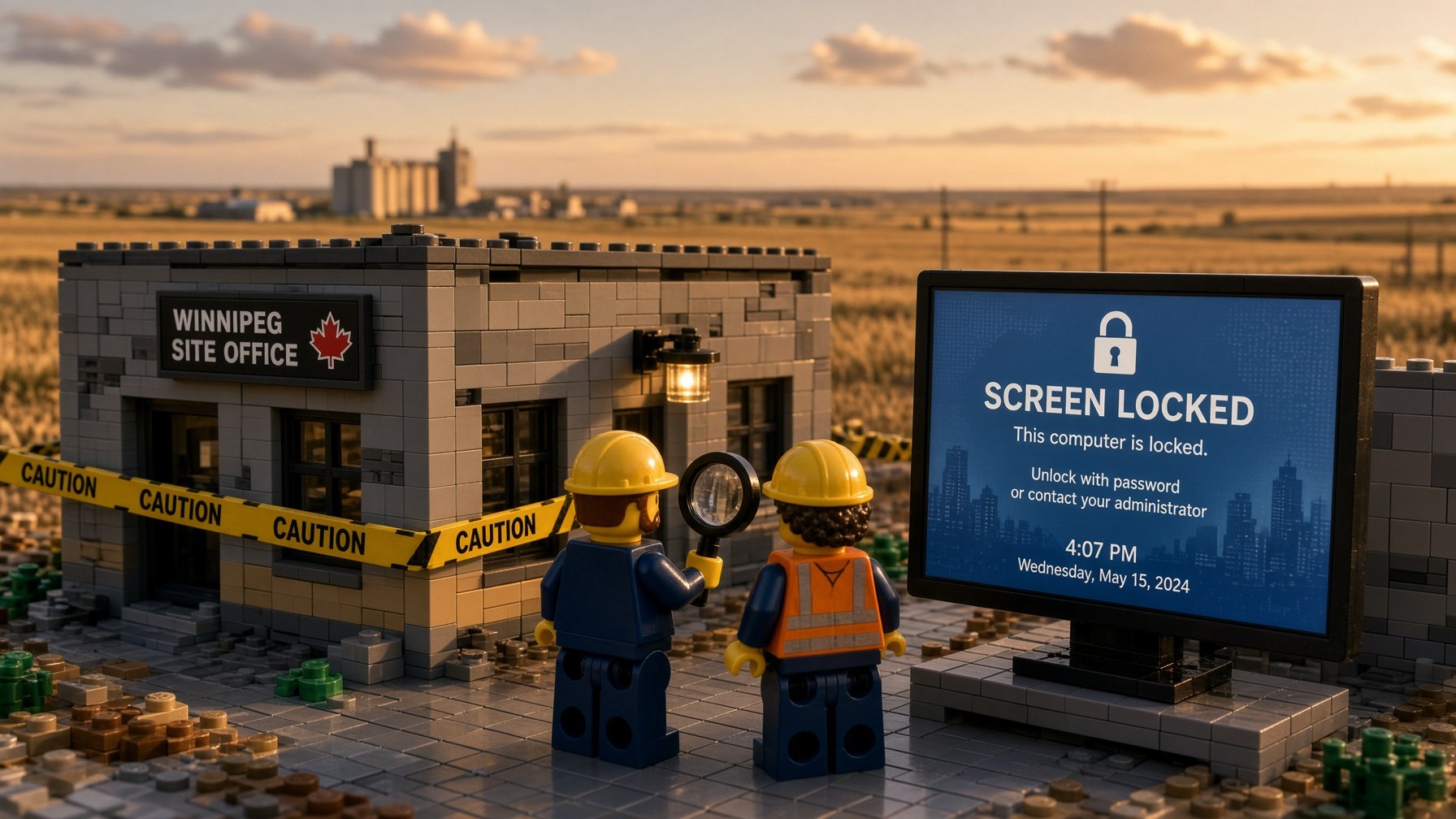
The WiFi Is Out... or is it?

A full-screen app on your home screen with push notifications, badges and more.

To install this app on iOS and iPadOS
  1. Tap the Share icon in Safari
  2. Scroll the menu and tap Add to Home Screen.
  3. Tap Add in the top-right corner.
To install this app on Android
  1. Tap the 3-dot menu (⋮) in the top-right corner of the browser.
  2. Tap Add to Home screen or Install app.
  3. Confirm by tapping Install.
  • Entries

    2
  • Comments

    0
  • Views

    64

About this blog

Security strategy and threat analysis for small businesses

Entries in this blog

Here's a sentence that should make any IT person put down their coffee: the emergency patch has its own emergency patch. That's where PaperCut landed this week. PaperCut NG and MF — print management software that runs in thousands of offices — had a zero-day under active exploitation. They released an emergency patch. Then researchers found new ways to exploit the same flaws, and a second emergency patch had to go out almost immediately after. BleepingComputer confirmed active exploitation acros
A new piece of malware showed up this week, and its delivery method is what should give you pause. BleepingComputer reported on something called SynkLoader — a previously unknown malware family that's being pushed through Microsoft Teams. Not email. Not a sketchy website. Teams. The tool that, at this point, half of small businesses in Canada use to run their day. The attack works like this: someone sends you a message through Teams, you interact with it, and eventually you see what looks like a
🔒 Secure Payments
All transactions processed securely through Stripe
KEF Solutions
162-2025 Corydon Ave, Suite #118, Winnipeg Manitoba, R3P 0N5
Phone: (204) 229-90SPAM31 | Email: ac.tuosiifiweht@troppus
Terms of Service | Privacy Policy | Refund Policy
© 2025 KEF Solutions. All rights reserved. | Powered by secure Stripe payments.

Account

Navigation

Search

Search

Configure browser push notifications

Chrome (Android)
  1. Tap the lock icon next to the address bar.
  2. Tap Permissions → Notifications.
  3. Adjust your preference.
Chrome (Desktop)
  1. Click the padlock icon in the address bar.
  2. Select Site settings.
  3. Find Notifications and adjust your preference.